TradingView Plans Versus: Which Option Wins in 2025?
On this page
Feeling lost in a maze of tradingview plans for 2025? You’re not alone, choosing the right subscription can be daunting with so many options and updates.
This guide cuts through the noise, providing a clear, unbiased comparison to help you find the plan that best matches your trading style and budget. Whether you’re a beginner or a seasoned pro, you’ll discover the strengths, weaknesses, and key differences of each plan.
We’ll break down features, pricing, user experience, and how tradingview plans stack up against the competition. Ready to make a confident choice? Let’s get started.
TradingView Plans in 2025: Overview & What’s New
Navigating the world of trading platforms can be daunting, but tradingview plans continue to stand out in 2025. With more than 100 million users worldwide, TradingView remains at the forefront of multi-asset charting and analysis, offering traders a robust ecosystem for stocks, forex, crypto, indices, and more.

TradingView’s Place in the Market
TradingView’s reach is massive, supporting over 2 million instruments from 150+ exchanges across 50+ countries. The platform’s five main tradingview plans, Basic (Free), Essential, Plus, Premium, and Professional (sometimes called Expert or Ultimate)-cater to every type of trader.
Recent updates bring even more to the table:
- Expanded indicators and chart types: Now up to 50 indicators per chart and 21 customizable chart styles, including Renko, Kagi, and Point & Figure.
- Enhanced alerts: Set up to 1,000 alerts on price, indicators, or custom strategies in higher tiers.
- Pine Script upgrades: More powerful scripting and automation tools for strategy development.
- Seamless device access: Use TradingView on web, desktop, or mobile, with layouts and alerts syncing instantly.
- Unique social features: Share trading ideas, join integrated chat rooms, and collaborate on analysis with a global community.
Here’s a quick look at the core plan differences:
| Plan | Annual Price | Indicators/Chart | Alerts | Chart Layouts | Ads |
|---|---|---|---|---|---|
| Basic | Free | 2 | 3 | 1 | Yes |
| Essential | $155-$208 | 5 | 20 | 2 | No |
| Plus | $299-$401 | 10 | 100 | 4 | No |
| Premium | $599-$803 | 25 | 400 | 8 | No |
| Professional | $1,600-$3,200 | 50 | 1,000 | 8+ | No |
These tradingview plans are designed to remove barriers, letting traders choose exactly what fits their needs and budget.
What’s New in 2025
TradingView has rolled out several key enhancements this year, making its plans even more competitive.
Updated pricing now features deeper annual discounts and special promotions, including Black Friday deals and a $15 instant credit for new users. This makes tradingview plans even more accessible, especially for those considering an upgrade or long-term subscription.
Paper trading and demo accounts have received notable improvements. Paid tiers now offer an ad-free simulation environment, perfect for testing strategies without distractions.
Another big win for users: expanded real-time data options. You can add real-time exchange data as an add-on to any paid plan, unlocking faster market updates for every asset class.
TradingView’s commitment to innovation is clear, with new features rolling out across all tiers. Whether you’re a beginner or a seasoned professional, these tradingview plans provide flexible entry points and advanced tools for every stage of your trading journey. For a full breakdown of the latest features and pricing, check the TradingView Pricing and Features page.
Deep Dive: TradingView Plan Comparison (Free, Essential, Plus, Premium, Professional)
Choosing the right tradingview plans is crucial for maximizing your trading potential in 2025. With so many features and pricing tiers, it’s easy to feel lost. This deep dive breaks down each plan, highlighting what you get, who it’s for, and how it fits into your trading journey. Let’s explore these options side by side, so you can decide with confidence.
Basic (Free) Plan
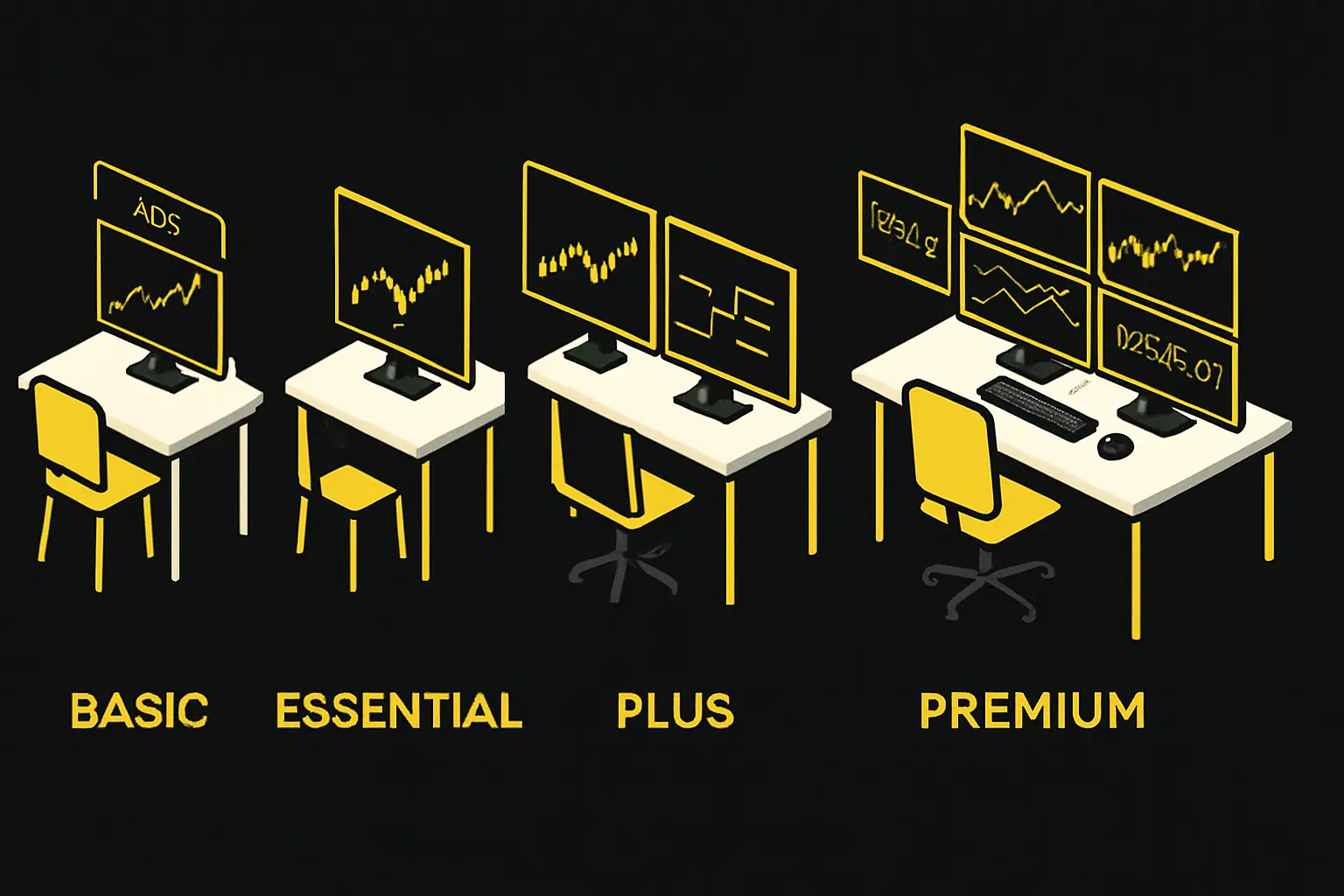
The Basic plan is the perfect entry point for anyone new to tradingview plans or just starting their trading journey. With access to one chart per tab, two indicators per chart, and three price alerts, it covers the essentials for market monitoring. You can experiment with basic broker integration, maintain a single watchlist, and participate in the vibrant community.
However, ads are present, and you get limited historical data and chart layouts. This plan is ideal for beginners who want to learn the ropes without spending money. For a detailed breakdown, check out the TradingView free plan features to see exactly what’s included and what’s restricted.
Example: If you’re watching one market or learning how to draw trend lines, this plan gives you the tools to get started, even if you’re not ready for advanced tradingview plans yet.
Essential Plan
Stepping up from the free tier, the Essential plan removes ads and unlocks more features. You now get two charts per layout, five indicators per chart, and up to 20 price or technical alerts. Advanced chart types like Renko, Kagi, and Point & Figure are included, letting you analyze markets in new ways.
This plan is affordable, with annual pricing ranging from $155 to $208. The Essential plan suits casual traders who want a cleaner experience and more analytical power from their tradingview plans. You can track two markets side by side, use more indicators, and enjoy a smoother interface without distractions.
Example: If you frequently analyze both stocks and forex, Essential lets you do so efficiently, making it a practical step up for those who outgrow the free plan.
Plus Plan
The Plus plan is where tradingview plans start to shine for active traders. With four charts per layout, ten indicators per chart, and up to 100 alerts, you can monitor multiple assets or strategies at once. Multi-monitor support and extended minute-by-minute historical data (up to 180 days) make it a strong choice for those who need flexibility.
This tier suits intermediate traders who want more from their platform but aren’t quite ready for Premium. Enhanced alert options and the ability to connect over 20 charts in parallel allow for real-time, multi-asset tracking.
Example: If you’re juggling several currency pairs and monitoring different strategies, Plus lets you keep everything organized and actionable, showcasing the scalability of tradingview plans as your skills grow.
Premium Plan
Premium is the powerhouse of tradingview plans, catering to serious traders and professionals. It enables eight charts per layout, 25 indicators per chart, and a massive 400 alerts. You also get 20,000+ historical bars, second-based charting, priority support, and extensive customization.
Annual costs range from $599 to $803, making it the highest-priced standard plan. Premium is best for high-frequency traders, scalpers, or anyone needing second-level precision and robust backtesting tools.
Example: A scalper can use second-based charts and set unlimited alerts, ensuring they never miss a rapid market move. For those who depend on deep data and advanced scripting, Premium is the ultimate upgrade among tradingview plans.
Professional (Expert/Ultimate) Plans
At the top of the tradingview plans hierarchy are the Professional, Expert, and Ultimate tiers. These plans support up to 50 indicators per chart, 1000 alerts, 21 chart types, and tick-based intervals. You get custom layouts, DOM trading, real-time alerts, advanced backtesting, and enhanced social sharing.
With annual costs ranging from $1,600 to $3,200, these plans are designed for institutions, hedge funds, or traders managing complex portfolios. If you need the absolute maximum in automation, data access, and customization, this is where you’ll find it.
Example: A fund manager tracking dozens of assets across multiple monitors can leverage every advanced feature, making these tradingview plans the go-to for power users.
Key Comparison Table (Extracted Data)
To make it easier to compare tradingview plans, here’s a quick reference table:
| Plan | Annual Price | Alerts | Indicators | Chart Layouts | Ads | Advanced Features |
|---|---|---|---|---|---|---|
| Basic | $0 | 3 | 2 | 1 | Yes | Limited |
| Essential | $155-$208 | 20 | 5 | 2 | No | Advanced chart types |
| Plus | $299-$401 | 100 | 10 | 4 | No | Multi-monitor, history |
| Premium | $599-$803 | 400 | 25 | 8 | No | Second charts, custom |
| Professional | $1,600-3,200 | 1000 | 50 | 8+ | No | DOM, tick intervals |
All tradingview plans support paper trading, and paid tiers remove ads while unlocking more powerful tools. Use this table to match your needs to the right plan and maximize your trading efficiency.
Feature Showdown: Charting, Analysis, Alerts & Data
Choosing between tradingview plans often comes down to the platform’s core features. Whether you’re a casual chartist or a professional algorithmic trader, understanding what each tier delivers in terms of charting, analysis, alerts, data, and community is essential. Let’s break down these features so you can see which plan aligns with your trading workflow.
Charting and Analysis Tools
Tradingview plans stand out for their robust charting and analysis suite. Even the Basic plan gives access to essential chart types and drawing tools, but as you upgrade, the power multiplies. Higher tiers unlock up to 21 customizable chart types, think candlestick, Renko, Kagi, Point & Figure, and more, ideal for advanced technical analysis.
The number of indicators scales with each plan. Here’s a quick comparison:
| Plan | Chart Types | Indicators per Chart | Multi-Chart Layouts |
|---|---|---|---|
| Basic | 7 | 2 | 1 |
| Essential | 10 | 5 | 2 |
| Plus | 15 | 10 | 4 |
| Premium | 21 | 25 | 8 |
| Professional | 21 | 50 | 8+ |
Pine Script integration is a major advantage, enabling custom indicators and strategies. With over 100,000 community scripts available, you can tailor your analysis or even leverage AI indicators for TradingView for an added edge. Drawing tools, trend lines, Fibonacci retracements, and more, are available across all tradingview plans, but multi-chart layouts and advanced backtesting are reserved for Premium and above.
Whether you’re backtesting strategies or scanning across multiple assets, the flexibility and depth in charting make a big difference. Advanced plans allow you to analyze several markets and timeframes side by side, eliminating the need to juggle multiple tabs or platforms.
Alerts and Automation
One of the most compelling reasons to explore different tradingview plans is the platform’s advanced alerts and automation. Alerts range from basic price triggers in the free tier to complex, never-expiring technical and strategy alerts in Premium and Pro. Scalability is a key differentiator:
- Basic: 3 alerts
- Essential: 20 alerts
- Plus: 100 alerts
- Premium: 400 alerts
- Professional: 1000 alerts
With higher tradingview plans, you unlock automated chart pattern recognition and strategy alerts. Real-time notifications can be pushed to your desktop, mobile, or email, ensuring you never miss a critical market move. Scalpers, for example, rely on second-based alerts in Premium to react instantly to price shifts.
Automation isn’t just about speed; it’s about precision. The ability to set and forget complex conditions, especially in Plus and above, means you can focus on strategy rather than constant monitoring. For traders running multiple strategies or assets, this is a significant productivity boost.
Market Data & Research
When evaluating tradingview plans, market data coverage and research tools play a pivotal role. All plans offer access to a massive range of assets: stocks, forex, crypto, ETFs, options, and more. The difference lies in the depth and speed of the data.
Paid plans provide near real-time data from over 150 global exchanges, with the option to add exchange-specific real-time feeds as needed. Advanced stock screeners, economic and earnings calendars, and integrated news feeds are available to all users, but some features, like extended historical minute data, are exclusive to Plus and Premium tiers.
For example, Plus users can review up to 180 days of minute-by-minute history, while Premium and Pro grant access to even more data for robust backtesting and deep-dive analysis. This enables traders to spot macro trends and react to global events as they unfold.
Social and Community Features
Every tier of tradingview plans includes access to a vibrant social community. This isn’t just a chatroom; it’s a collaborative hub where millions share trading ideas, custom scripts, and feedback on strategies.
The community aspect is a major differentiator. Over 10 million custom scripts and strategies are available for exploration, and integrated chat makes it easy to exchange insights in real time. While copy trading isn’t supported, the wealth of shared analysis and crowd-sourced tools helps users of all skill levels level up.
Whether you’re seeking feedback, inspiration, or technical support, the social features make tradingview plans more than just a charting tool, they become a gateway to continuous learning and collaboration.
User Experience, Accessibility & Support
Navigating the world of tradingview plans means more than just picking features. User experience, accessibility, and responsive support can make or break your trading routine. Let’s break down how TradingView keeps traders comfortable, confident, and connected, no matter which plan you choose.
Platform Accessibility
TradingView stands out for its seamless cross-platform experience. Whether you’re analyzing charts on a desktop, switching to a tablet, or checking alerts on your phone, all tradingview plans offer synchronized layouts and data. The web, desktop, and mobile apps are designed for speed and intuitive navigation, letting you move between devices with zero friction.
Customizable chart layouts and themes help traders personalize their workspace. Even when using multiple assets and indicators, the platform maintains smooth charting performance. This reliability ensures your technical analysis stays uninterrupted, regardless of which tradingview plans tier you select.
Support & Onboarding
Support quality matters, especially as you move up the tradingview plans ladder. All users get access to TradingView’s extensive help center, packed with tutorials, guides, and a busy community forum. Upgrading to Premium or Professional unlocks priority customer support, so your questions get answered faster.
New users can take advantage of a 30-day free trial of the Premium plan, and there’s a $15 instant credit for first-time subscribers. These perks make onboarding simple and risk-free, allowing you to explore advanced features before committing. Step-by-step tutorials and walkthroughs further ease the learning curve.
Usability for Different Trader Types
Tradingview plans are tailored to fit every trader’s needs. Beginners often start with the Basic or Essential plans, enjoying a low-cost, ad-free introduction to charting. Intermediate users gravitate toward the Plus plan, which balances flexibility and affordability for growing portfolios.
For those new to charting or trading, the Beginner’s guide to trading offers valuable insights and practical steps to get started with tradingview plans. Advanced traders and professionals benefit from Premium or Ultimate tiers, unlocking deep customization, advanced backtesting, and priority support.
Example Scenarios
Consider how tradingview plans adapt to real-world needs. A new trader might begin with the Basic plan, then upgrade to Essential to remove ads and enjoy more features. An experienced swing trader could rely on Plus for multi-asset monitoring and extended alerts.
Institutions or high-frequency traders often choose Ultimate for its comprehensive analytics, automation, and support. Each tier is designed to scale with your trading journey, ensuring you always have the right tools as your experience grows.
TradingView Plans vs. Competitors in 2025
Choosing between tradingview plans and their top competitors isn’t always straightforward. The charting platform landscape in 2025 is more crowded and innovative than ever. With each provider offering a distinct mix of features, pricing, and user experience, how do you know which is the best fit for your trading style?
Key Competitors Overview
Let’s start by mapping out the main competitors to tradingview plans in 2025. The field includes:
- ProRealTime: $29/month, unlimited indicators, 4.7/5 Trustpilot, excels at automation.
- TrendSpider: $53.50/month, unlimited indicators, 4.4/5 Trustpilot, advanced pattern recognition.
- MetaTrader 4: Free, unlimited indicators, broker-dependent real-time data, classic reliability.
If you want a deeper dive into feature-by-feature alternatives, check the Best TradingView Alternatives 2025 for a detailed comparison of platforms, pricing, and user feedback.
TradingView’s Edge
What gives tradingview plans their distinctive edge? For starters, no competitor comes close to TradingView’s 100+ million global community. The platform’s cross-device experience, web, desktop, and mobile, is seamless.
Other strengths include Pine Script flexibility for custom strategies, more chart types and indicators (especially in higher tiers), and a thriving social ecosystem for sharing ideas. These features make tradingview plans especially appealing for those who value collaboration and customization in their trading workflow.
Weaknesses Compared to Competitors
Despite all the innovation, tradingview plans aren’t perfect. Trustpilot ratings lag behind competitors, often due to customer support and billing concerns. Real-time data for some exchanges carries additional fees, which can add up for active traders.
Crucially, many advanced features, like extensive alerts and deep historical data, are locked behind higher-tier tradingview plans. For some users, this means paying a premium for the tools they need.
Feature Comparison Table (Extracted Data)
Here’s how tradingview plans stack up against the competition:
| Feature | TradingView Plans | ProRealTime | TrendSpider | MetaTrader 4 |
|---|---|---|---|---|
| Price (monthly) | $0-$267 | $29 | $53.50 | Free |
| Alerts | 3-1000 | Unlimited | 30 | Unlimited |
| Indicators | 2-50 | Unlimited | Unlimited | Unlimited |
| Paper Trading | Yes (with ads) | Yes | Limited | Yes |
| Automated Trading | Yes (Pine Script) | Yes | Yes | Yes |
| Cross-Platform | Web/Desktop/Mob | Desktop/Web | Web/Desktop/Mob | Desktop/Mob |
Tradingview plans offer flexibility but may require add-ons or higher tiers for full feature access.
Value for Money
So, are tradingview plans worth the investment? Annual discounts (up to 2 months free), $15 instant credits, and periodic promotions make them competitive. The Essential plan stands out for affordable, ad-free access, while Premium and Ultimate packs cater to serious traders with high demands.
For example, the Plus plan gives more alerts and charts than similarly priced competitors. However, always factor in add-on data costs and your actual feature needs before committing to any tradingview plans.
Choosing the Right TradingView Plan: Use Cases & Decision Factors
Selecting the right TradingView plans can feel overwhelming, especially with so many features, pricing tiers, and potential add-ons. Your ideal plan depends on your trading style, experience level, and what you truly value in a charting platform.
Matching Plans to Trader Profiles
To make sense of the available tradingview plans, start by mapping them to your trading journey. Here’s a quick reference:
| Trader Type | Recommended Plan | Why It Fits |
|---|---|---|
| Beginner | Basic or Essential | Low cost, easy learning, minimal distractions |
| Casual/Intermediate | Plus | More charts/alerts for growing needs |
| Advanced/Professional | Premium or Pro | Full features, deep data, priority support |
Beginners are best served by the Basic or Essential tradingview plans, as these keep things simple and affordable. As your experience grows, upgrading unlocks more power without unnecessary cost.
Decision Criteria for Picking Your Plan
When comparing tradingview plans, focus on the features that impact your trading most:
- Charts per layout: How many markets do you monitor at once?
- Indicators and alerts: Do you need complex setups or just the basics?
- Historical data: Is deep backtesting important for your strategy?
- Ad-free experience: Are you distracted by ads during analysis?
- Customer support: How critical is fast help if issues arise?
- Budget: Will you commit to annual billing for savings?
If you value advanced chart types or require multi-device access, higher-tier tradingview plans offer greater flexibility.
Examples & Scenarios: What Fits Your Trading Style?
Let’s match real-world scenarios to the right tradingview plans:
- Swing traders: Use Plus to monitor several assets and set multiple alerts.
- Day traders: Premium’s second-based charts enable precise entries and rapid signals.
- Institutions: Ultimate plan supports multi-monitor analysis and advanced automation.
For those seeking more context, advanced features like multi-timeframe analysis, explained in detail in Multi-timeframe trading strategies-are unlocked in higher tradingview plans and can be a major advantage for complex setups.
Tips for Maximizing Value from TradingView
To get the most out of tradingview plans:
- Test with free trials: Try Premium or Ultimate before committing.
- Leverage credits: New users can claim $15 credits for upgrades.
- Annual billing: Save up to two months’ cost by paying yearly.
- Review add-on data: If you need real-time feeds for specific exchanges, factor in those costs.
Smart selection ensures you only pay for what you use, making tradingview plans a flexible solution for any budget or strategy.
Frequently Asked Questions About TradingView Plans
Curious about the ins and outs of tradingview plans? You’re not alone. Below are answers to the most common questions traders ask, along with practical tips and insights from competitor research. Let’s clear up the confusion and help you make the best subscription choice.
Most Common User Questions
When it comes to tradingview plans, several questions come up repeatedly:
- Is the Premium plan worth it for non-professionals?
- Can you trade directly on the platform?
- What’s the real difference between Essential and Plus?
- Are there free trials or discounts?
- What happens if you upgrade or downgrade?
Most users want to know if they really need the advanced features or if a lower tier suffices. Knowing the answers helps you avoid overpaying for unused tools.
Key Insights from Competitor Content
Researching competitor content reveals important takeaways about tradingview plans. For instance, Premium is ideal for traders who need extensive alerts, deeper data, and more chart layouts. Direct broker integration is available for stocks, forex, and crypto, making it a versatile choice.
Annual subscriptions can save you up to $120 per year on Premium or $60 on Plus. For a comprehensive breakdown of plan pros, cons, and up-to-date pricing, check the TradingView Review 2025 for detailed analysis.
Practical Guidance
To get the most out of tradingview plans, start by testing Premium with a 30-day free trial. Beginners should stick to Basic or Essential to avoid paying for features they won’t use. Upgrading or downgrading is seamless, but keep in mind saved layouts and alerts may be limited if you move to a lower plan.
Always review your needs before committing. Use available credits and consider annual billing for bigger savings.
Adaptive TradingView Indicators: The Role of PipTrend
PipTrend is a powerful AI-driven indicator seamlessly integrated with all tradingview plans, delivering clear, real-time buy and sell signals across forex, crypto, stocks, and indices. It offers instant alerts, multi-timeframe analysis, and customizable dashboards, making it a smart choice for traders seeking actionable insights without guesswork. With features like lifetime updates, mobile-ready notifications, and expert support, PipTrend enhances any TradingView experience. For example, a swing trader using the TradingView Plus plan leverages PipTrend for AI-generated signals and session liquidity insights, optimizing entries and exits with confidence.
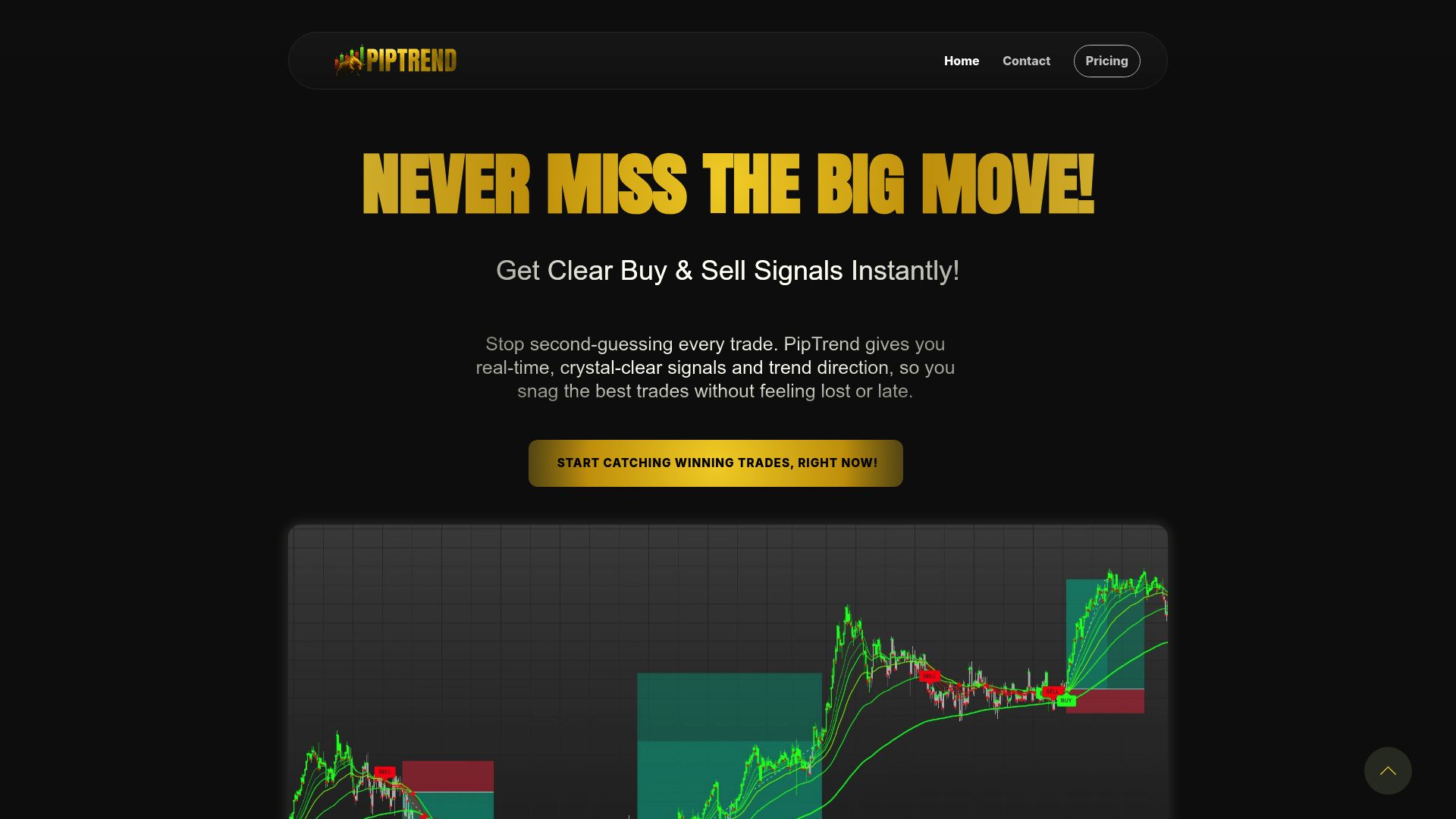
Now that you’ve seen how TradingView’s plans stack up for every type of trader in 2025, the next step is making sure your signals are just as sharp as your tools. No matter which plan you choose, Basic, Plus, Premium, or even Ultimate, having clear, reliable buy and sell alerts can make all the difference. That’s where PipTrend comes in: it’s fully integrated with TradingView and gives you instant, adaptive signals across forex, crypto, stocks, and more. If you’re ready to trade smarter and take the guesswork out of your decisions, See Your Trading Improve With PipTrend.
Risk Disclaimer: Trading involves risk. Past performance doesn't guarantee future results. Only trade with money you can afford to lose. PipTrend is a tool to assist your trading decisions, not financial advice.